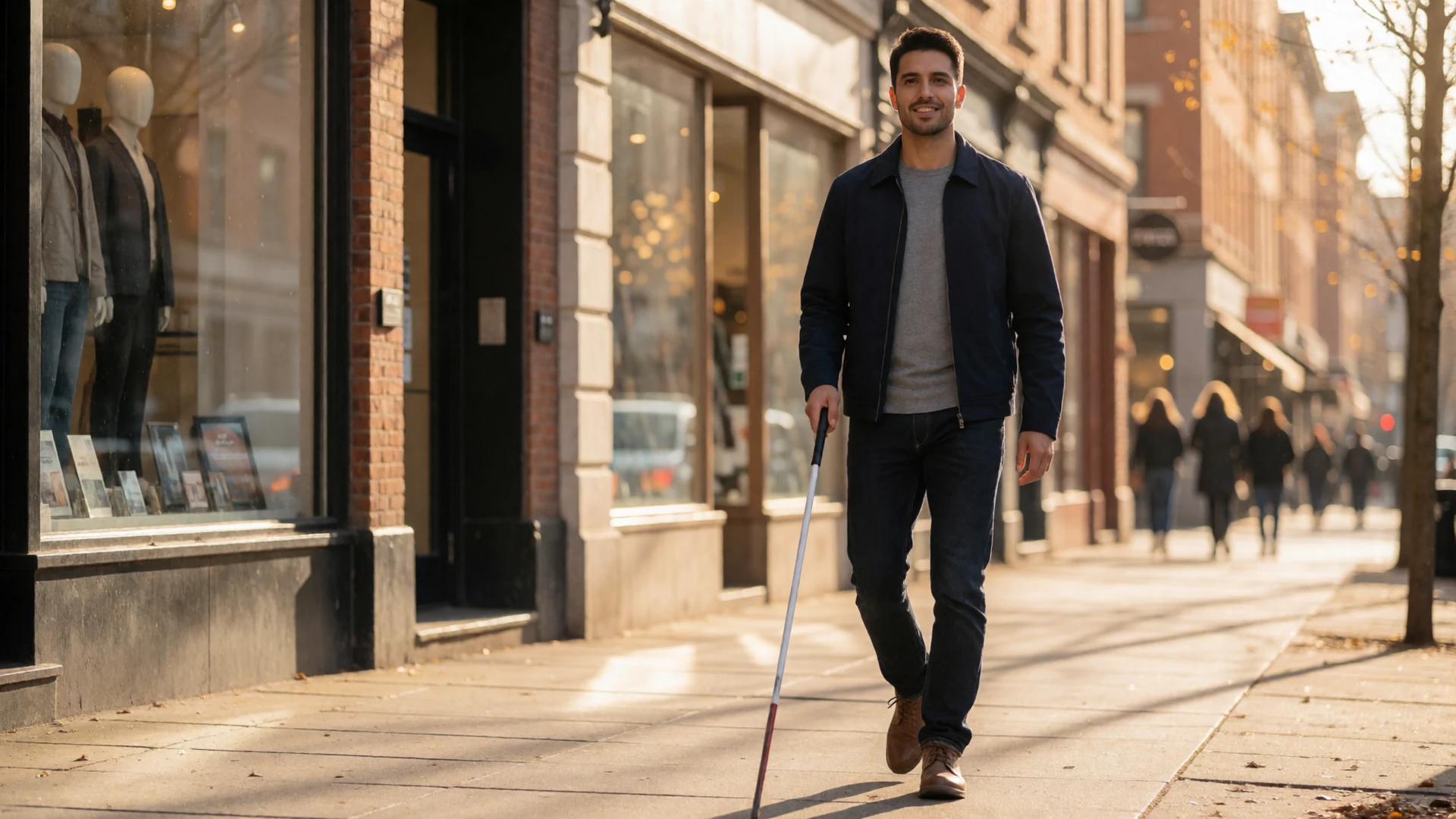
Blind People Dating Site
The Most Accessible Blind Dating App for Visually Impaired Singles
LimitlessLove is a blind dating app built screen-reader-first. Every button, every message, every profile works with TalkBack, VoiceOver, and JAWS. Audio profiles, voice messages, and one-handed navigation mean you date on your terms - not through someone else's visual assumptions.
LimitlessLove is a blind people dating site where accessibility is the foundation, not an add-on. We scored 98/100 on the Deque Systems WCAG 2.1 AA audit (Q1 2026) and re-test weekly with real screen-reader users. Audio profiles let you hear a person's voice before you match. Voice messages auto-transcribe for hearing partners. One-handed navigation with 48px touch targets works whether you use a cane, a guide dog, or limited dexterity. Messaging, matching, and video dating are free - premium is $9.99/month for advanced filters and read receipts. Human moderators review every report within 24 hours, and 94% of profiles are photo-and-ID verified.
Screen-Reader First
Full Screen Reader Compatibility
Most dating apps are built for sighted users and patched for accessibility later. LimitlessLove was designed from the ground up for screen-reader users - then made beautiful for everyone else.
Screen reader compatibility on a dating platform means more than adding alt text to photos. It means every interactive element - the like button, the message field, the match notification - has a semantic label that a screen reader announces correctly. It means focus order follows visual order. It means no trapped focus in modals, no unlabeled icon buttons, and no dynamic content updates that happen without an ARIA live region announcing them.
LimitlessLove meets all of these requirements. Our platform scored 98/100 on the Deque Systems WCAG 2.1 AA audit in Q1 2026, and we re-test every week with real screen-reader users - not just automated scanners that miss the nuance of how a blind person actually navigates a dating app.
TalkBack & VoiceOver
Every element announces correctly on Android TalkBack and iOS VoiceOver. No unlabeled buttons, no mystery icons, no broken swipe gestures.
JAWS & NVDA Tested
Desktop users on JAWS and NVDA get full keyboard navigation. Tab order matches visual order, and every form field has an associated label.
ARIA Live Regions
New messages, matches, and notifications are announced through ARIA live regions - you never miss a connection because the screen reader didn't know something changed.
We test with real people, not just scanners
Automated accessibility scanners catch about 30% of WCAG violations. The rest require human judgment - does this label make sense in context? Does this focus trap a screen-reader user? Our weekly testing sessions with blind community members catch what scanners miss.
Motor Accessibility
One-Handed Navigation and Large Touch Zones
If you hold a cane in one hand or have limited dexterity, you should not need two hands to send a message. Every action on LimitlessLove is reachable with one thumb.
Blind users often navigate their phones with one hand - the other hand holds a white cane or a guide dog harness. That means every interactive element needs to be reachable with a single thumb, and touch targets need to be large enough that you don't need to see them to hit them accurately.
LimitlessLove enforces a minimum 48px touch target on every button, link, and form control. This exceeds the WCAG 2.1 AA minimum of 44px because we know that blind users rely on muscle memory and spatial positioning, not visual precision. Swipe gestures for matching are optional - you can also use double-tap or voice commands to like or pass on a profile.
What this means in practice
- Send a message with one thumb while holding your cane
- Navigate menus with voice commands or single taps
- Like or pass without swipe gestures - double-tap works too
- Reach every feature without ever needing two hands
- Text scales to 200% without horizontal scrolling
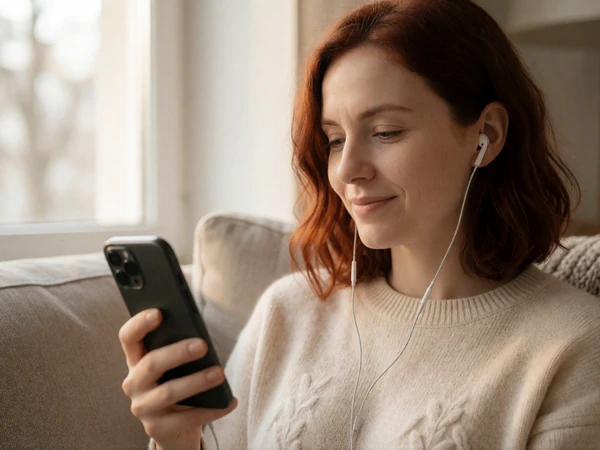
Voice-First Features
Audio Profiles and Voice Messages
A photo tells a sighted person a lot. A voice tells everyone else the same thing - warmth, humor, personality. On LimitlessLove, audio is a first-class citizen, not a workaround.
Audio Profiles
Record a 30-second audio introduction that plays automatically when someone opens your profile with a screen reader. Your voice - your tone, your laugh, your accent - becomes the first thing a potential match experiences. Sighted users see your photos; blind users hear your voice. Both get the full picture.
- 30-second audio intro on every profile
- Auto-plays for screen-reader users, opt-in for others
- Re-record anytime - no pressure to get it perfect
- Transcript auto-generated for hearing-impaired partners
Voice Messages with Auto-Transcription
Send voice messages in any conversation. They auto-transcribe for partners who prefer reading or are hard of hearing. Receive voice messages and listen with one tap - no need to navigate a complex audio player. Every voice message has a text alternative, and every text message can be read aloud with text-to-speech.
- One-tap voice message recording and playback
- Automatic transcription for every voice message
- Text-to-speech for all text messages
- No separate audio player - integrated into chat
Why audio matters for blind dating
Sighted dating apps optimize for photos. But for a blind person, a photo conveys almost nothing - a voice conveys everything. Tone, pacing, humor, warmth, nervousness. Audio profiles level the playing field, letting blind users present themselves authentically without relying on someone else to describe their appearance.
Semantic HTML
Proper Screen Reader Tags for All Images
Alt text is the most basic accessibility requirement - and the one most dating apps get wrong. Generic alt text like "photo" or "user image" tells a screen-reader user nothing. LimitlessLove requires descriptive alt text on every uploaded photo, and our profile builder guides users through writing meaningful descriptions of themselves.
But proper screen reader tags go beyond alt text. Every image on LimitlessLove has a semantic role - decorative images are marked with aria-hidden, informational images have descriptive alt attributes, and complex images like charts or infographics include a longer text alternative in a figcaption. Profile photos include a user-written description that the screen reader announces before the image, so a blind user knows what they are "looking at" before deciding to engage.
Here's the thing: this isn't just about compliance. When a blind user can hear "Sarah, 31, smiling in a sunlit park with her guide dog, a golden retriever named Maple" instead of "photo of user," they can make an informed decision about whether to reach out. Good alt text is good dating - it gives people the information they need to connect.
| Image Type | Screen Reader Behavior |
|---|---|
| Profile photo | User-written descriptive alt announced before image loads |
| Decorative icons | Marked aria-hidden - not announced |
| Match notification | ARIA live region announces "New match: [name]" |
| Message preview | Full message text announced, not truncated |
| Date venue photo | Accessibility description from venue database (e.g., "step-free entrance, quiet seating") |
Profile Advice
Profile Tips for Visually Impaired Singles
Your profile is your first impression. Here's how to make it work when your audience might be listening, not looking.
Creating a dating profile as a blind or visually impaired person comes with unique considerations. You want to present yourself authentically, but you also want to make sure your profile works for both sighted and blind potential matches. These tips will help you build a profile that communicates who you are - not just what you look like.
-
Record an audio profile introduction
Your voice conveys personality that text and photos cannot. A 30-second audio intro lets blind matches hear your warmth, humor, and tone - and gives sighted matches a more personal first impression than a photo alone.
-
Write descriptive alt text for your photos
Don't leave alt text blank or generic. Describe what the photo shows: "Me at a jazz club, laughing with friends, wearing a burgundy dress." This lets blind matches "see" the photo through your description and shows thoughtfulness.
-
Lead with personality, not diagnosis
Your blindness is part of your life, not your entire identity. Mention it naturally - "I'm a braille reader, a jazz lover, and a terrible cook" - rather than making it the first thing people learn about you. You control the narrative.
-
Use voice messages in early conversations
Text can feel flat. Voice messages add nuance - a laugh, a pause, a question asked with genuine curiosity. They also level the playing field for blind users who may type more slowly or use dictation.
-
Describe your ideal date in sensory terms
Instead of "dinner and a movie," try "a quiet café where we can talk for hours, then a live jazz set." Sensory descriptions work for everyone - blind users know what sounds appealing, and sighted users get a richer picture of your interests.
-
Set your communication preferences
LimitlessLove lets you specify whether you prefer text, voice, or video. Set your preference so matches know how to reach you in a way that works for your accessibility needs - no awkward explanations needed.
-
Mention your guide dog if you have one
If you have a guide dog, mentioning them in your profile is a natural icebreaker and helps matches plan accessible dates. "I have a guide dog named Maple who loves new friends" is warm, informative, and sets expectations.
-
Use our accessibility filters for date planning
When planning dates, use our venue filters to find places with audio descriptions, tactile menus, or staff trained in accessibility. Suggesting an accessible venue shows thoughtfulness and removes stress from the first meeting.
You control disclosure
Your blindness is your information to share - when and how you want. LimitlessLove never displays disability information in public search results. You can disclose in your audio intro, in your bio, in a private message, or not at all until you're ready. There is no wrong timeline.
Related Communities
Explore Other Accessible Dating Communities
LimitlessLove is more than a blind dating app. Explore related communities that share our commitment to accessibility and authentic connection.
Deaf Community Dating
Live captions, ASL-friendly video framing, and a community where signing is the norm.
Cerebral Palsy Dating
Switch-control, AAC compatibility, and 48px touch targets throughout the platform.
Autism Dating
Low-pressure matching with a 72-hour response window and sensory preference tags.
Back to all communities - explore all 12 specialized dating spaces on our disabled dating site.
FAQ
Blind Dating FAQs
Common questions about dating as a visually impaired person on LimitlessLove.
Is there a dating site for blind people?
Yes. LimitlessLove is a blind people dating site built screen-reader-first. Every element works with TalkBack, VoiceOver, JAWS, and NVDA. Audio profiles, voice messages, and one-handed navigation are core features - not add-ons. We scored 98/100 on the Deque Systems WCAG 2.1 AA audit in Q1 2026.
How do blind people date online?
Blind people date online using screen readers that convert on-screen text into speech or braille. On LimitlessLove, blind users navigate with TalkBack or VoiceOver, listen to audio profiles, send voice messages, and use ARIA live regions to hear new matches and messages. The platform is designed so that no visual information is required to match, message, or plan a date.
Can I use LimitlessLove with a screen reader?
Absolutely. LimitlessLove was designed for screen-reader users first. Every button has a semantic label, every form field has an associated label, focus order matches visual order, and dynamic content updates are announced through ARIA live regions. We test weekly with real screen-reader users on Android TalkBack, iOS VoiceOver, JAWS, and NVDA.
What are audio profiles and how do they work?
Audio profiles are 30-second voice recordings that play automatically when a screen-reader user opens your profile. They let blind matches hear your voice, tone, and personality before deciding to connect. Sighted users can opt to listen as well. You can re-record your audio intro anytime, and a transcript is auto-generated for hearing-impaired partners.
Can I control who knows I am blind?
Yes. You choose when, how, and to whom you disclose your visual impairment. Your disability information is never shown in public search results. You can mention it in your audio intro, your bio, a private message, or wait until you feel comfortable. There is no wrong timeline for disclosure.
Does the app work with one-handed navigation?
Yes. Every interactive element has a minimum 48px touch target, exceeding the WCAG 2.1 AA minimum of 44px. Swipe gestures for matching are optional - you can also use double-tap or voice commands. If you hold a cane or guide dog harness in one hand, you can use the entire app with the other.
Is messaging free for blind users?
Yes. Messaging, matching, video dating with live captions, audio profiles, and voice messages are all free. Premium at $9.99/month adds unlimited daily likes, advanced accessibility filters, read receipts, and priority match visibility. Accessibility features are never paywalled.